 PickGlobe
The UK National Cyber Security Center (NCSC) gives a short checklist for shopping and paying safely online. These are its main points.
This guide is based on the public sources listed at the end. We have not tested the products or services mentioned.
This is a short reference page. The full guide is Safe Online Shopping: Scams, Fake Reviews, Fake Goods and the Checks That Work.
Shopping
- Research unfamiliar stores using trusted reviews and consumer sites.
- Beware lookalike web addresses and too-good-to-be-true offers.
- Do not click unexpected links. Type the address or search instead.
Paying
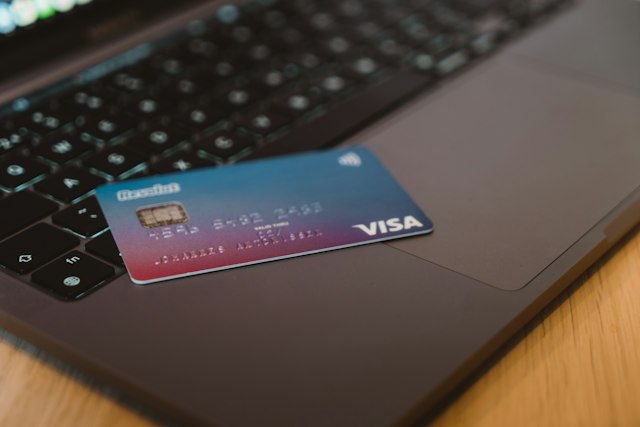
- Use a credit card where possible, because it usually has purchase protection.
- Debit cards give less protection, but a chargeback may be possible.
- Check the cover from PayPal, Apple Pay or Google Pay.
- Never pay by direct bank transfer.
At checkout
- Fill in only required fields.
- Use guest checkout or a payment platform instead of creating a store account.
- Do not let the browser or the store save payment details.
Accounts
Use a unique strong password for each important account (email, banking and shopping), kept in a password manager, and turn on 2-step verification.
Reporting
Report suspicious emails to the Suspicious Email Reporting Service and texts to 7726. Report scam sites to the NCSC and scam ads to the ASA. If you were tricked into paying, contact your bank and report to Report Fraud (Police Scotland in Scotland).
See also our ten-point checklist and guide to refunds and chargebacks.
Last checked: 15 October 2026. Sources: UK NCSC, shopping online securely.